nanoCAD Construction

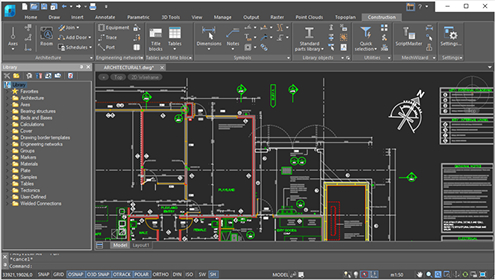
nanoCAD Construction enhances nanoCAD with tools for architectural, engineering, and construction design (AEC). It offers utilities and a library of parametric objects that streamline creating construction drawings and documentation.

Available for just $459 per year*!

*Price for 1 license for 1 workstation.

nanoCAD Max

With 
nanoCAD Construction 
you will get:

AEC Design Elements

A set of specialized functions crafted to meet the needs of architects and engineers for creating construction layouts and technical designs.

Advanced Table Editor

Simplifies the creation, editing, and management of schedules, specifications, and other tabular data commonly used in AEC projects.

Support for 
Architectural Layouts

Features that facilitate the layout and organization of architectural plans, enhancing clarity and detail.

Object Scaling and Grips

Tools that allow users to quickly resize and modify objects with precision, ensuring design flexibility and accuracy.

Smart Object Editing

Intelligent commands that make editing and adapting project elements intuitive and efficient.

nanoCAD 25 Platform and ALL modules and save up to 31%

Buy nanoCAD

nanoCAD Construction: Key features

Library of Parametric Objects

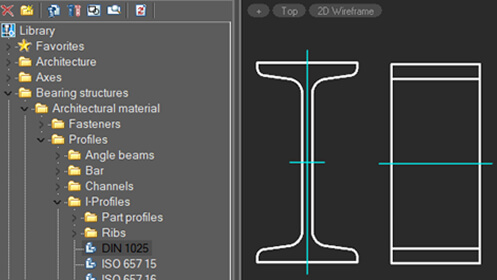
nanoCAD Construction contains an integrated library with a large number of parametric parts and templates. Each element has its own set of dimensions, display modes, and behavior. The library contains walls, windows, doors, foundations, concrete beams and supports, steel profiles, fasteners, etc . Since it is an open database, parametric objects can be edited using the MechWizard tool.

Customized settings

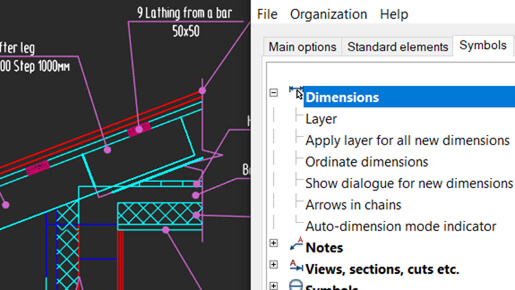
nanoCAD Construction takes a flexible approach to the configuration of objects. All preconfigured elements provided by nanoCAD construction can be redefined using the object settings window, as required by design companies, and then copied to all workstations.

Objects scaling

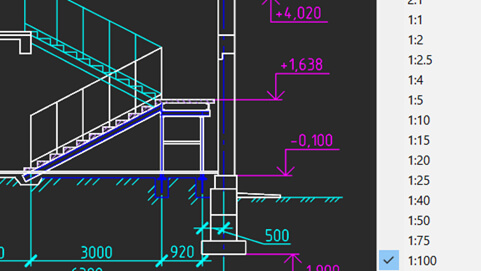
nanoCAD Construction supports drawings with multiple views at varying scales. In just two clicks, you can easily adjust the scale of individual objects or entire drawings. The scaling of symbols is automatically synchronized, ensuring that text sizes, dimensions, and line types are appropriately adjusted in both model space and layouts through graphical viewports.

Library of Parametric Objects

nanoCAD Construction contains an integrated library with a large number of parametric parts and templates. Each element has its own set of dimensions, display modes, and behavior. The library contains walls, windows, doors, foundations, concrete beams and supports, steel profiles, fasteners, etc . Since it is an open database, parametric objects can be edited using the MechWizard tool.

Customized settings

nanoCAD Construction takes a flexible approach to the configuration of objects. All preconfigured elements provided by nanoCAD construction can be redefined using the object settings window, as required by design companies, and then copied to all workstations.

Objects scaling

nanoCAD Construction supports drawings with multiple views at varying scales. In just two clicks, you can easily adjust the scale of individual objects or entire drawings. The scaling of symbols is automatically synchronized, ensuring that text sizes, dimensions, and line types are appropriately adjusted in both model space and layouts through graphical viewports.

Other features:

Engineering networks

toggle

nanoCAD Construction includes a set of tools for engineering networks, such as internal communications, heating, ventilation and air conditioning (HVAC) systems and gas supplies, with templates for traces, equipment and connectors.

Table Editor

toggle

Powerful Excel-like table editor with functionalities such as:

  • Formula embedding
  • Macro embedding
  • Export/Import to Excel
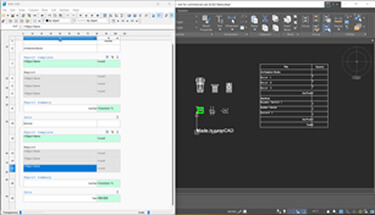
The table editor helps users easily compile local cost estimates, simplify calculations and automate tasks with formulas and macros for greater efficiency

Parametric objects

toggle

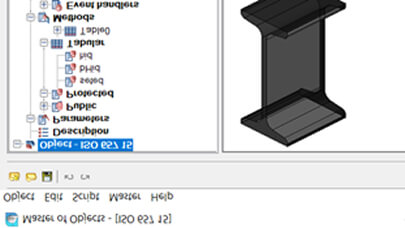
Parametric objects are an improvement over dynamic blocks, as they not only contain grips to change the blocks, but also offer dialog boxes with options to choose from. The Object Master allows you to edit library items and create parametric objects according to your needs.

nanoCAD Construction Specialized tools

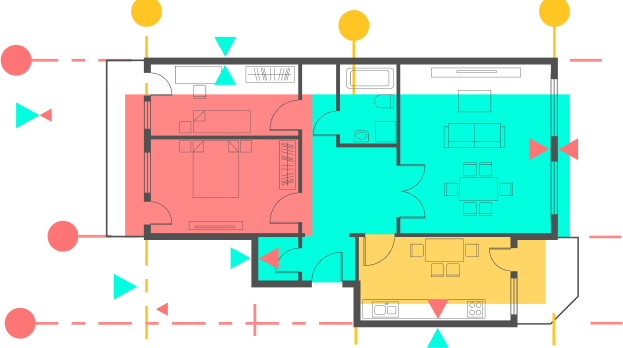
  • Automatically connecting straight and arc-shaped walls.
  • Custom wall templates with geometry, attributes, and multi-layer properties.
  • Easy wall editing using trim, break, join commands, or grips.
  • Quick insertion of windows and doors from a built-in component database.
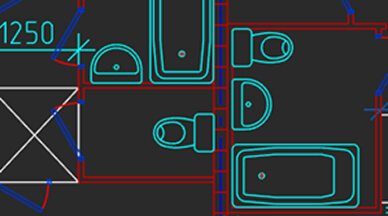
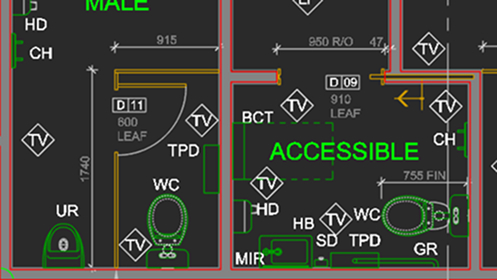
  • Room and space layouts with customizable attributes and compositions.
  • Automatic room analysis and composition lists.
  • Interior elements added from pre-designed templates.
  • Automatically connecting straight and arc-shaped walls.
  • Custom wall templates with geometry, attributes, and multi-layer properties.
  • Easy wall editing using trim, break, join commands, or grips.
  • Quick insertion of windows and doors from a built-in component database.
  • Room and space layouts with customizable attributes and compositions.
  • Automatic room analysis and composition lists.
  • Interior elements added from pre-designed templates.
nanoCAD

nanoCAD Offers Exceptional Value

nanoCAD stands out as a highly cost-efficient solution. You can experience its capabilities firsthand with a complimentary 30-day trial. After evaluating its effectiveness, you have the option to begin with an annual subscription, allowing for seamless incorporation into your workflow. For long-term savings and maximum benefits, upgrading to a 3-year subscription provides you with permanent licenses, comprehensive technical support, and free access to all updates throughout the subscription period. Compared to other DWG editors, nanoCAD delivers significant budget advantages without compromising on functionality.

The Leading CAD Solution

comparable set of tools

$ 2.030

nanoCAD Pro

comparable set of features

$ 399